01
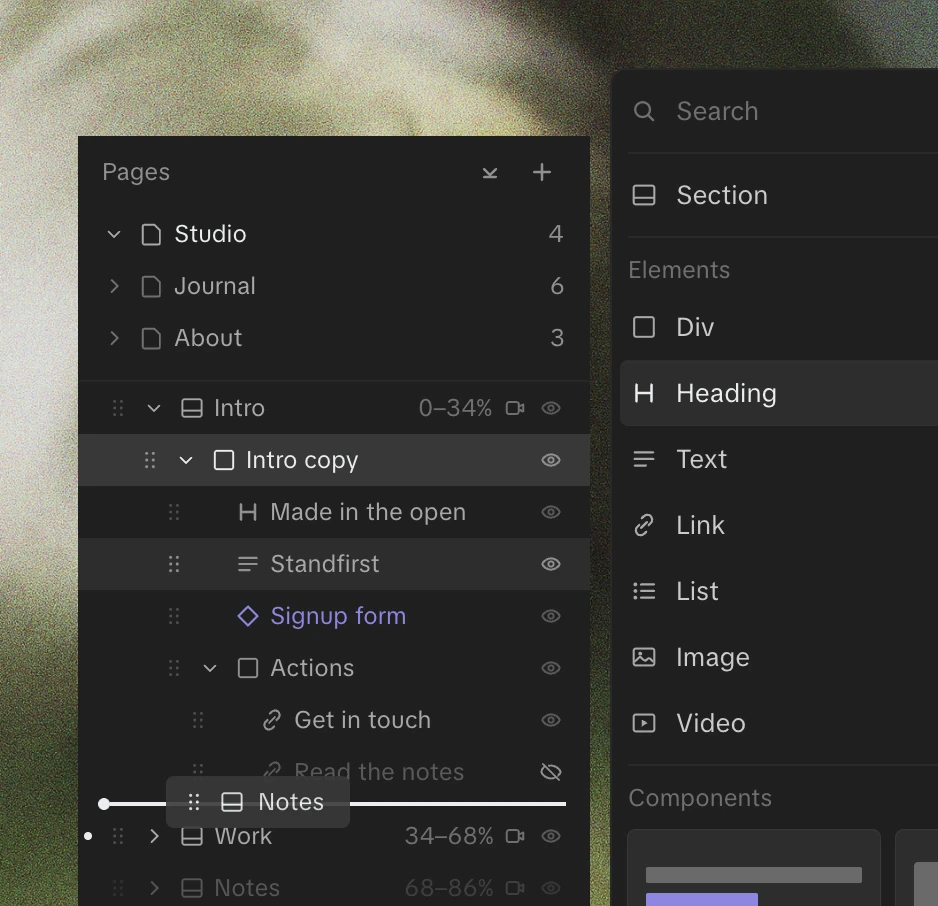

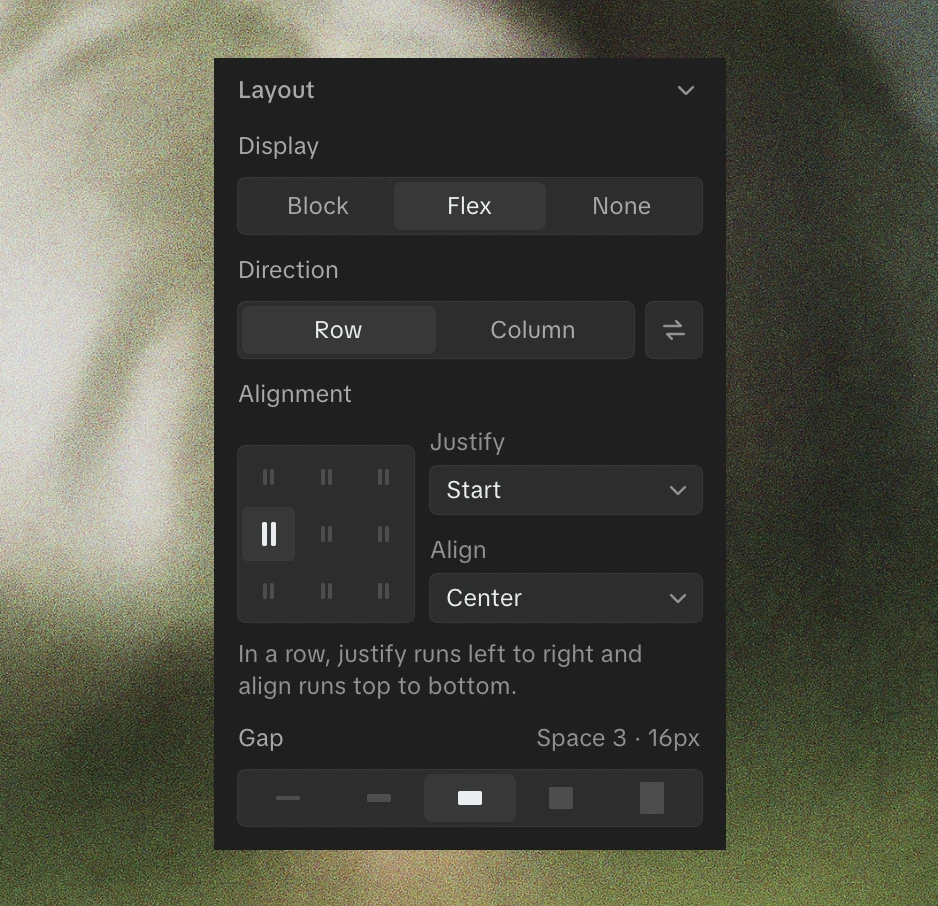
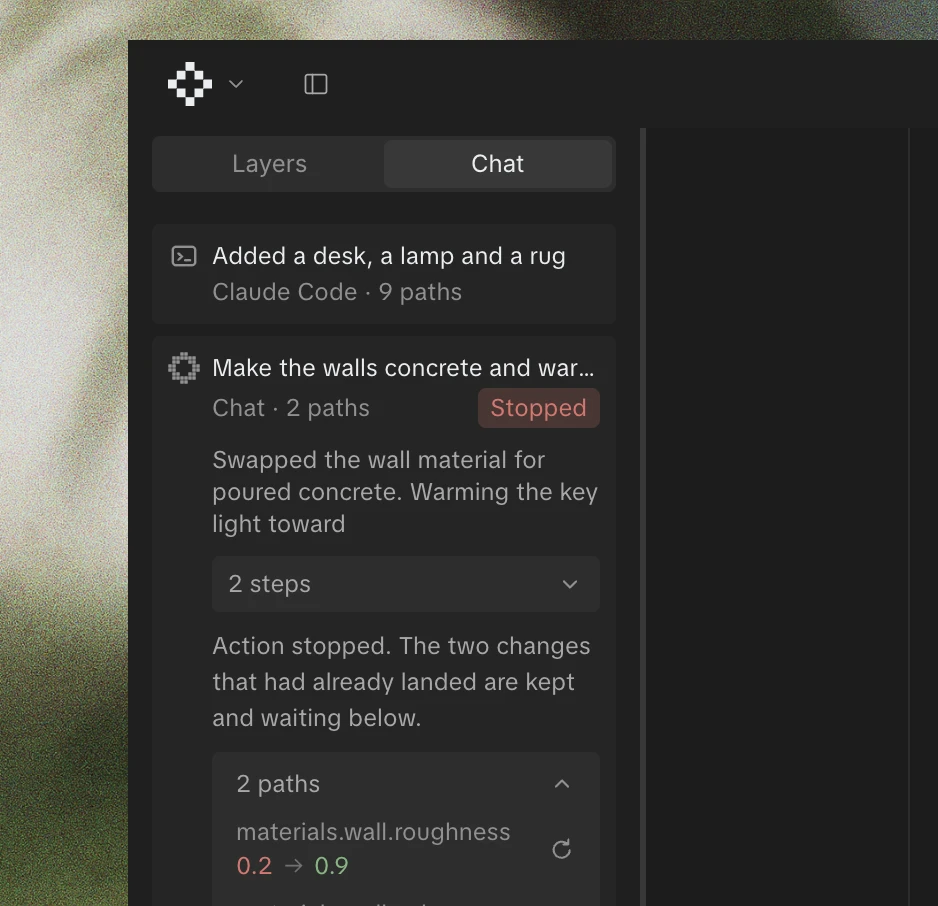
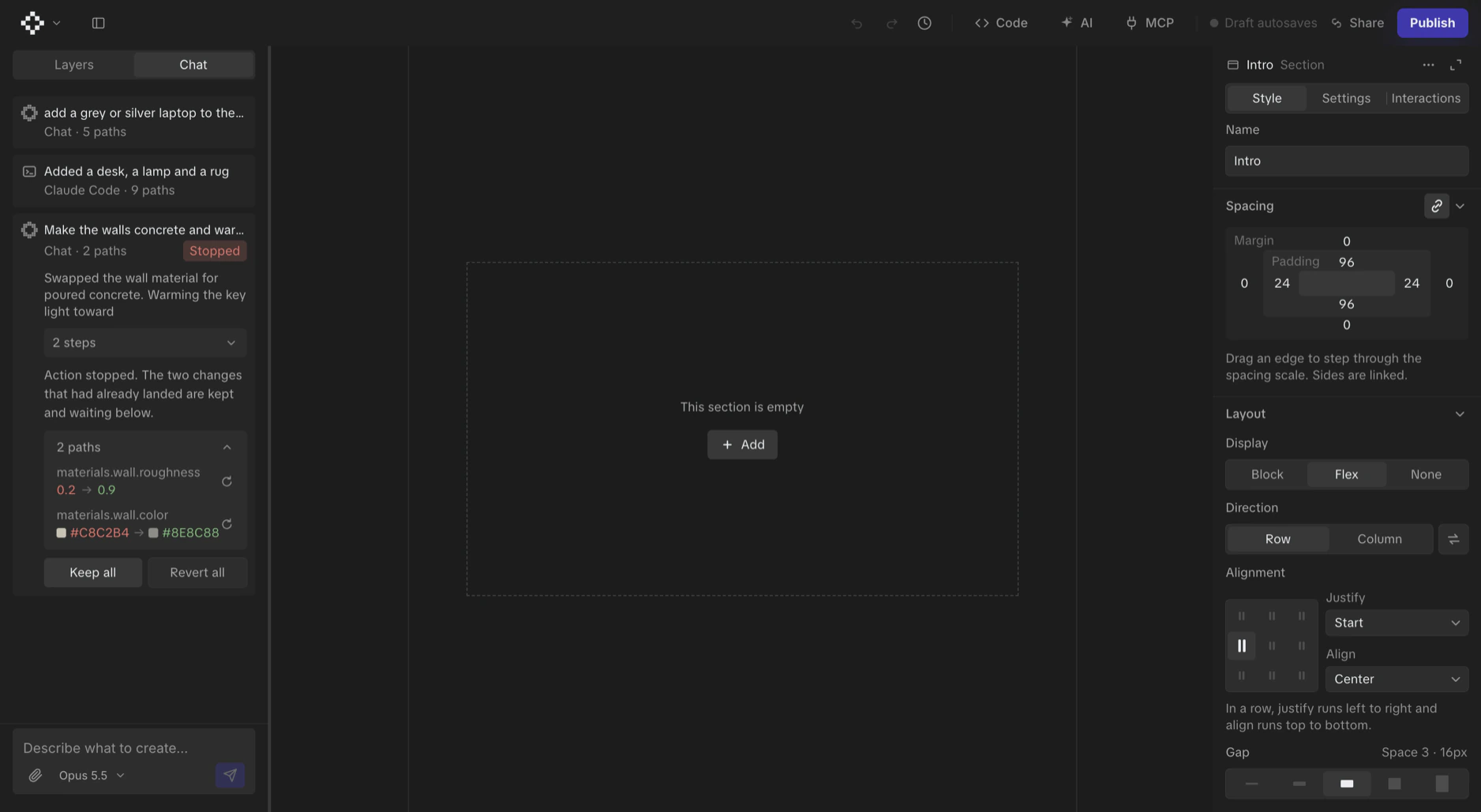
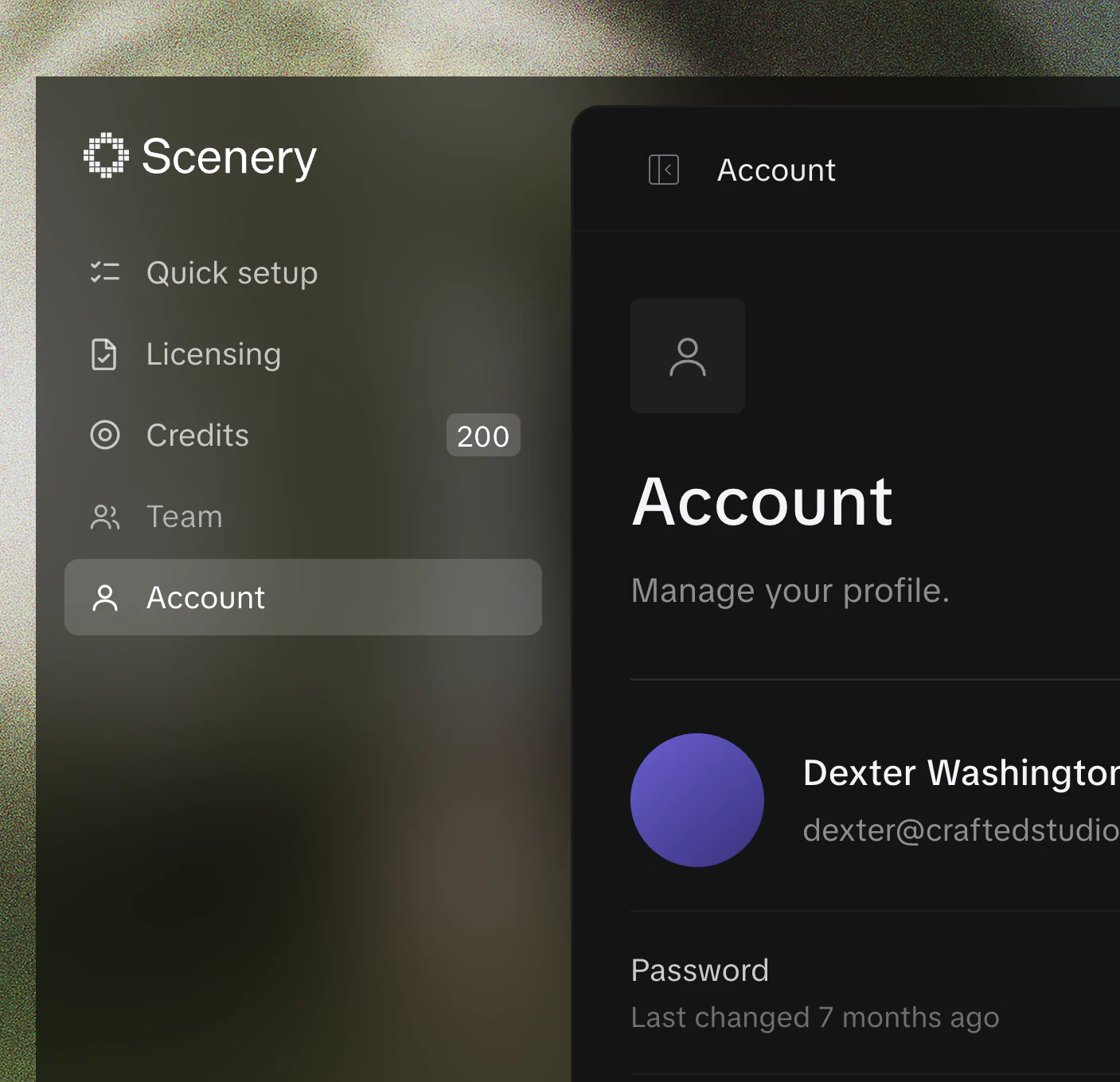
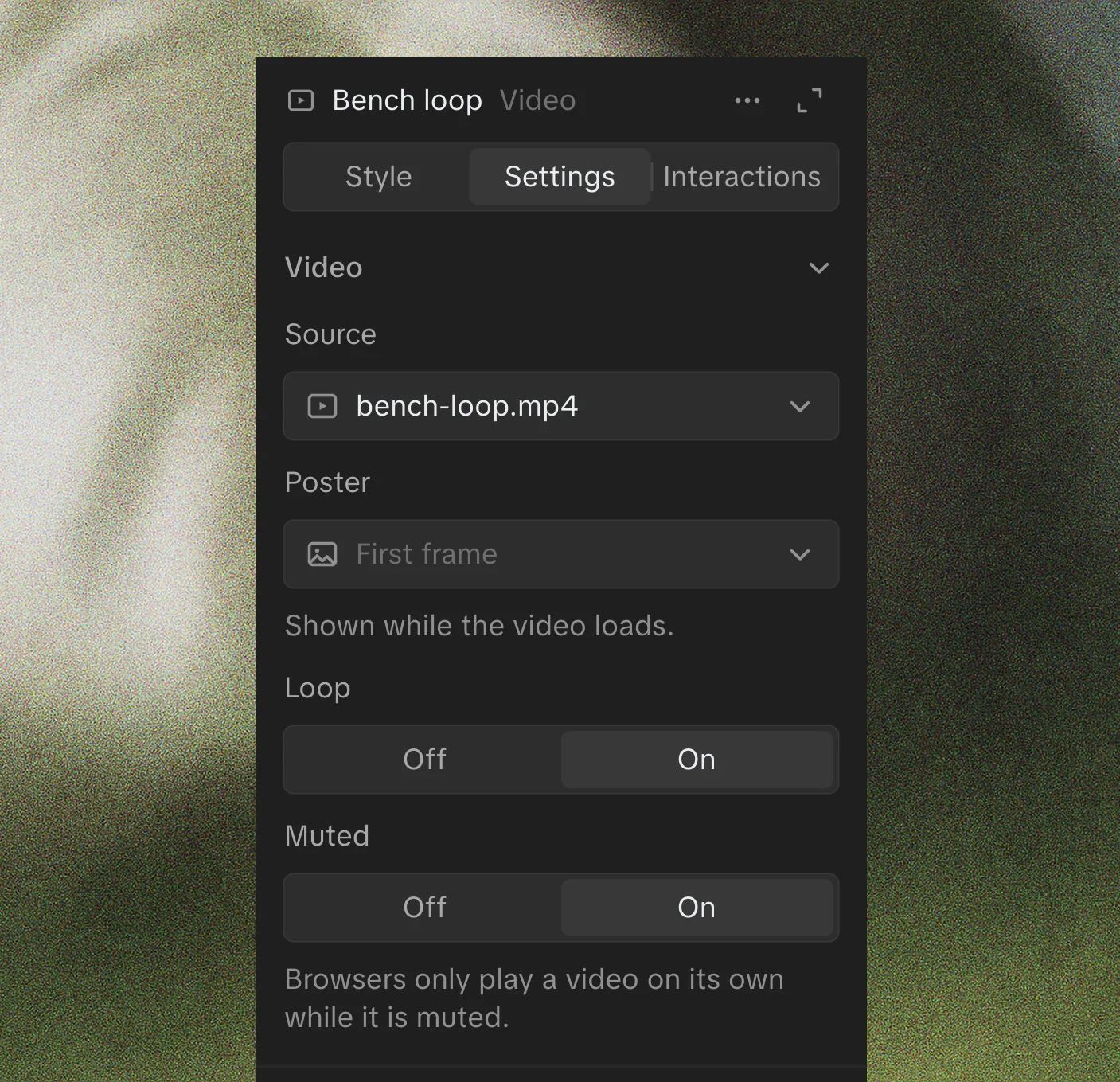
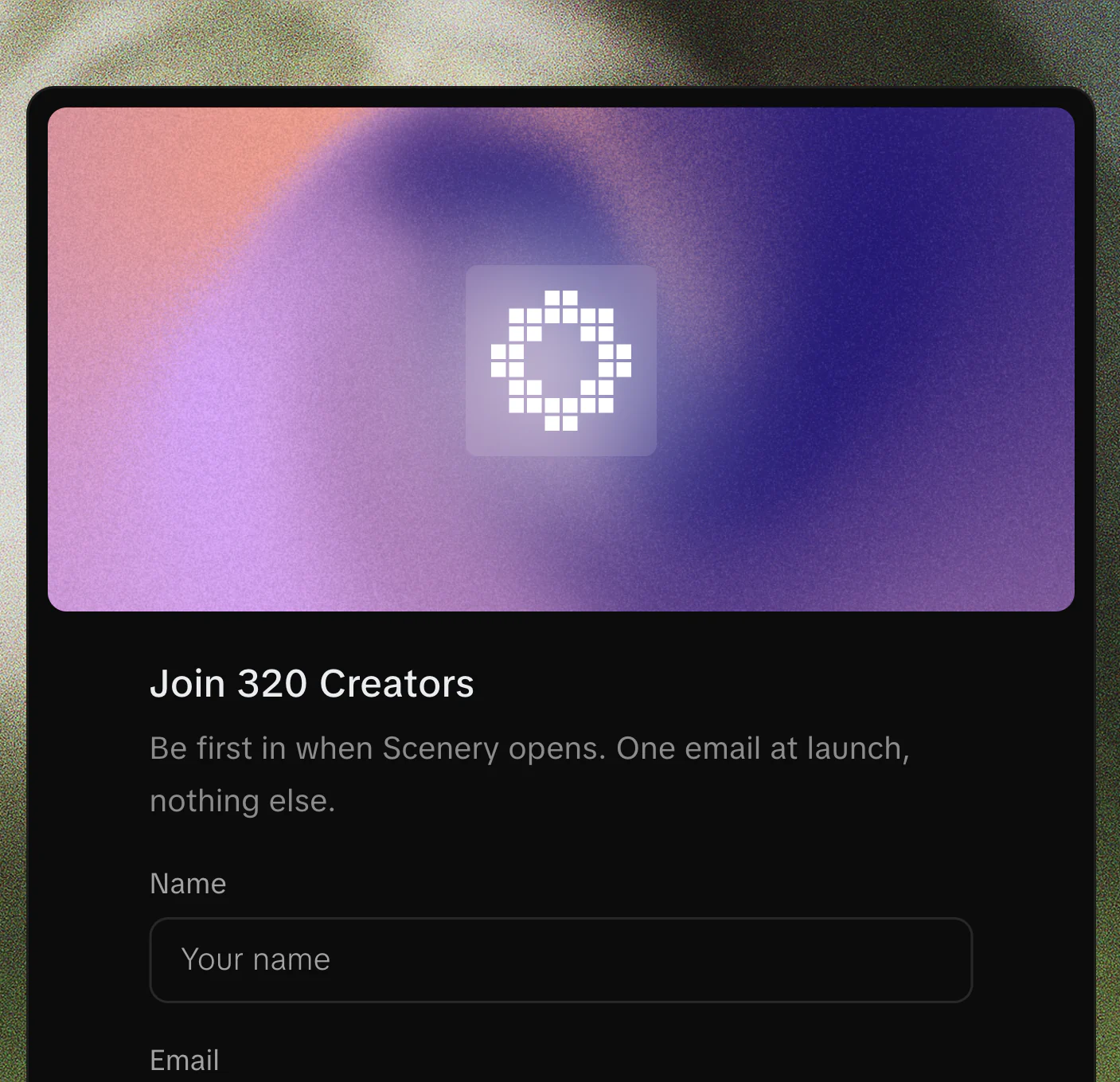
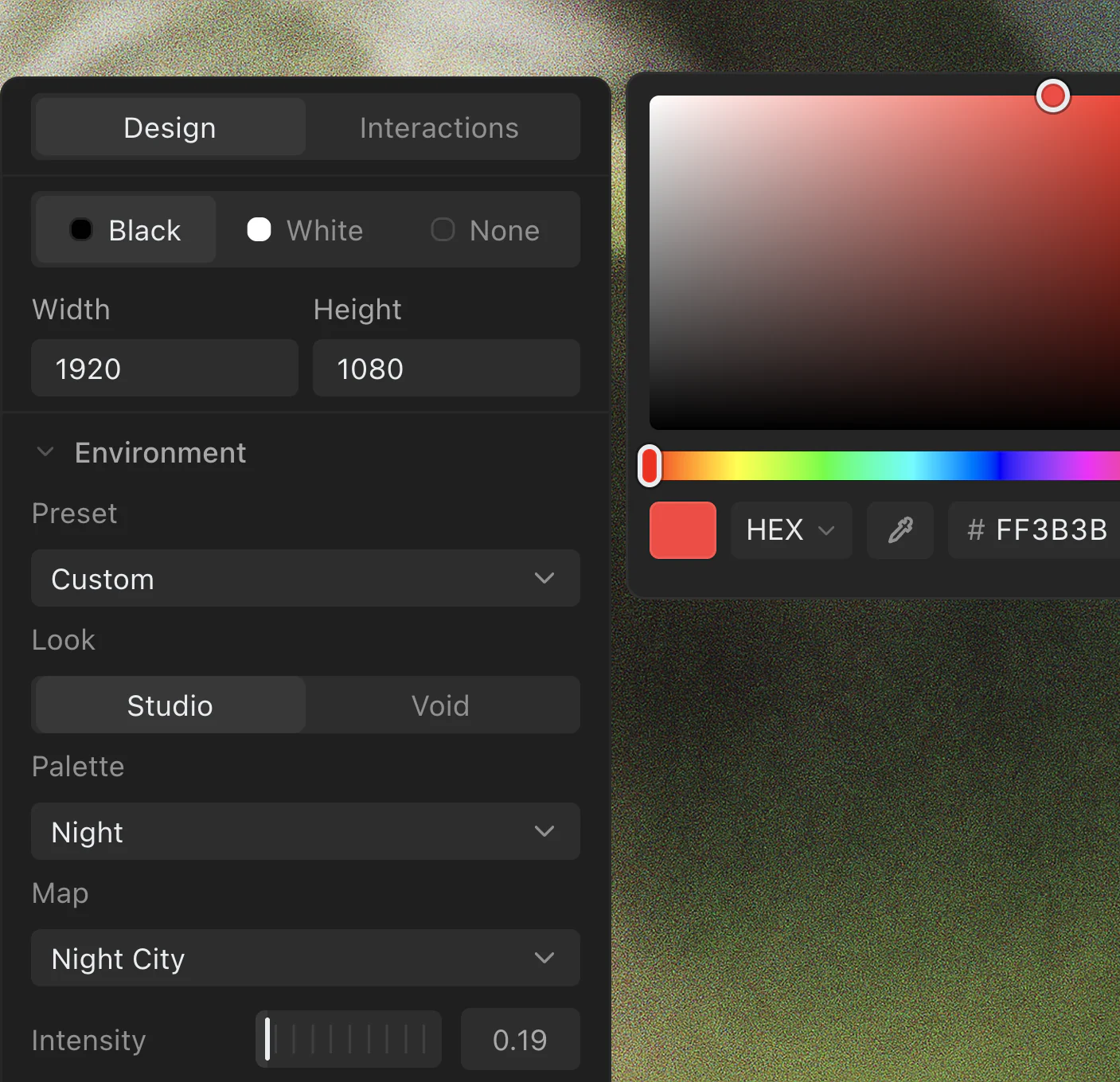
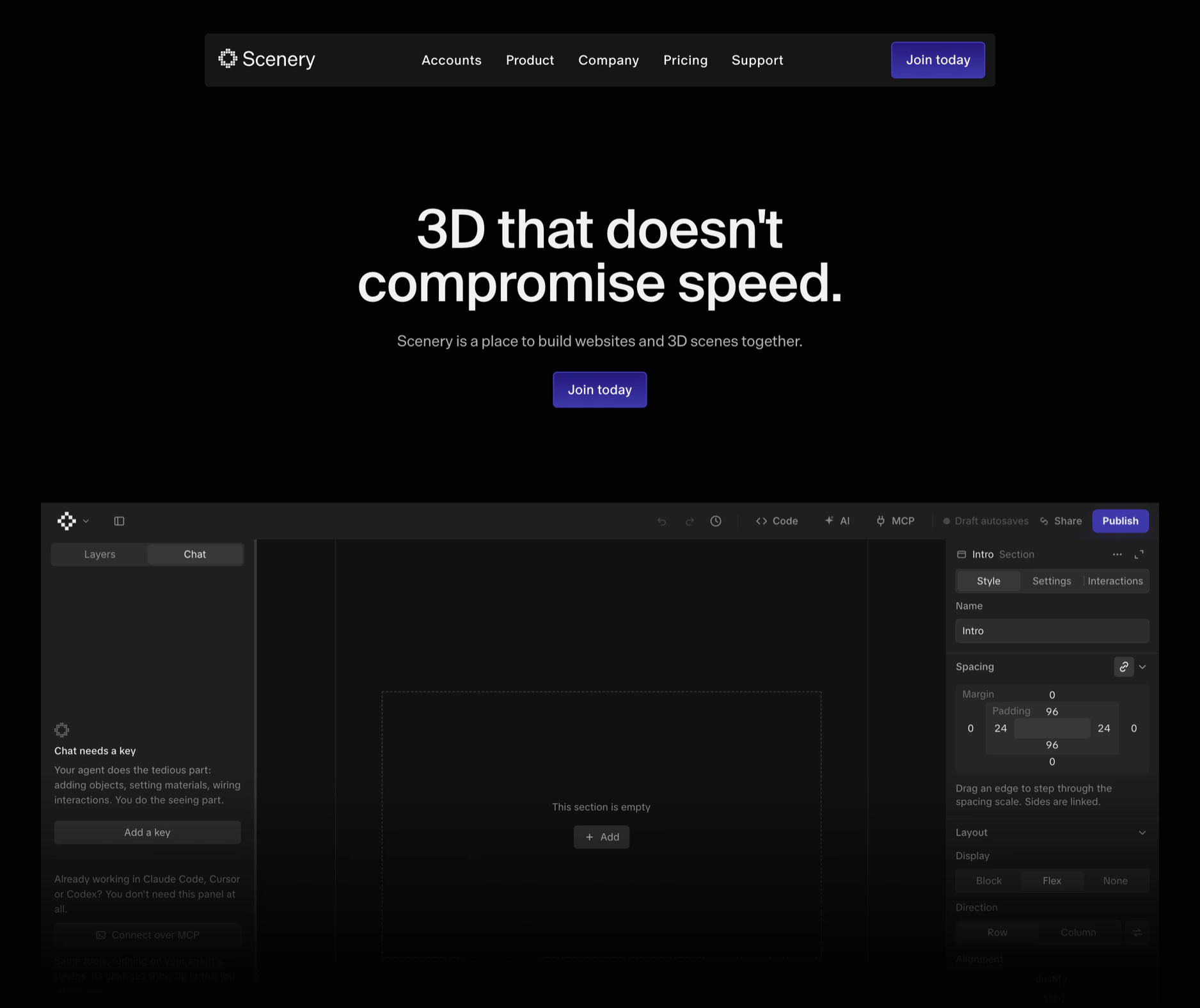
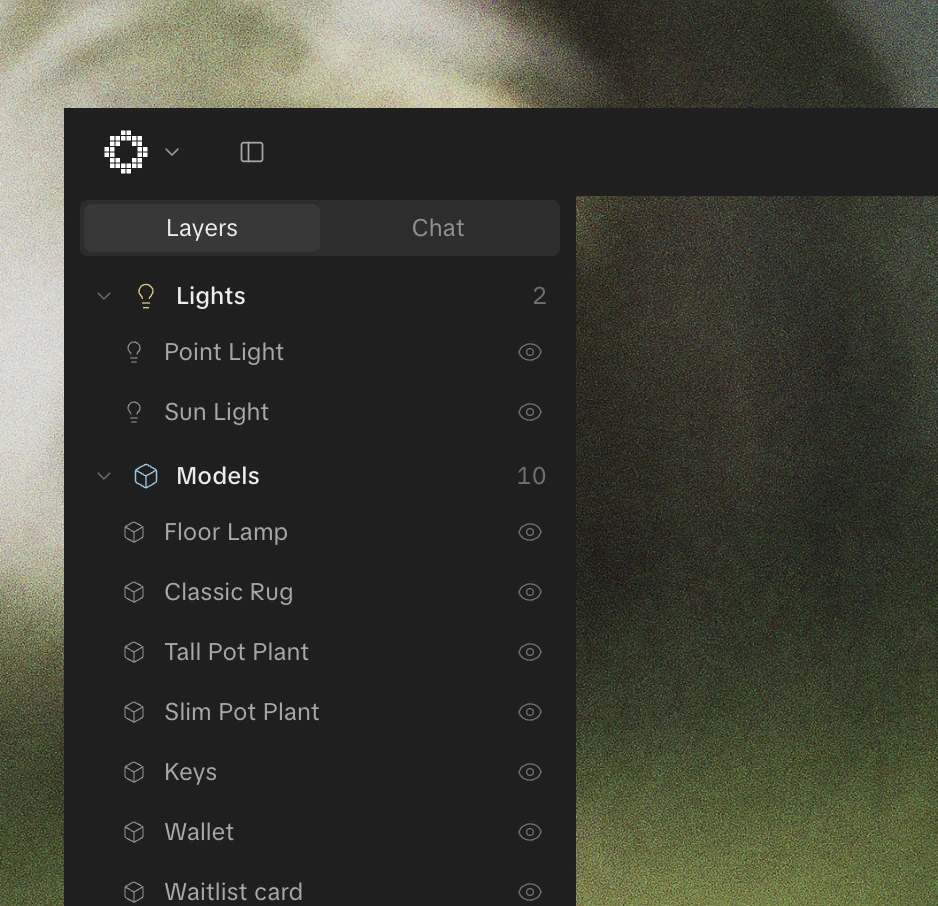
Scenery is an interactive effects engine. People build shader effects and 3D scenes in it, then export them to their own sites as embeds. You can design by hand or hand the work to an AI agent, and both of you work on the same canvas.
I designed and built it alone: the UX, the interface, the rendering pipeline and the AI tooling.
Early on, Effects and Worlds ran through one shared AI setup. The AI would try to generate a 3D model while you were building a 2D effect. It looked fine in a demo and fell apart in real use. I separated the two modes completely, so each has its own AI behavior and only the tools that make sense for it.
Effects export as zero-dependency embeds. Worlds couldn’t keep that promise, because a 3D scene needs a runtime for the camera, the scroll and the assets. So Effects stay inline, and Worlds load a small player on demand.
I built an AI particle system, shipped it, and then pulled it. It made the tool more complicated without making anyone’s work much better. A simpler version came back later: particle shapes, stars and atmosphere for 3D scenes.
Scenery is live, with Effects and Worlds both shipping. Fourth Floor, a boutique agency, uses it on client work.